Practical Ways to Use Digital Paper in Your Projects
Digital paper is a pre-designed pattern file that you download and use as a background or texture in your creative work. It saves you the time of creating complex patterns from scratch while keeping a cohesive look. Here is how to integrate it into your scrapbooking, card making, or digital layouts.
Understanding the File Types
Most digital paper comes as high-resolution JPEG or PNG files. PNG files often have transparent backgrounds, which is useful if you want to layer them over other images. Check the resolution, as 300 DPI is standard for print quality. If you are working digitally, lower resolutions may be sufficient for screen viewing.
Prepping for Print
Open your file in a photo editor or design software like Canva or Photoshop. Set your canvas size to match your paper stock, such as 8.5x11 inches for standard letter paper. Add a small border or crop marks if you are using a home printer to ensure the pattern covers the entire sheet. Save as a high-quality PDF or JPEG to prevent compression artifacts.
Using in Digital Layouts
In software like Procreate or InDesign, import the digital paper as a background layer. You can scale it up or down to adjust the pattern density. Use layer masks to fade the pattern into a solid color for a softer look. This technique works well for headers, footers, or subtle backgrounds in digital scrapbooks.
Layering with Clip Art
Place your clip art or photos on top of the digital paper layer. If the pattern is busy, consider adding a semi-transparent white or black layer between the paper and your art to make the subjects stand out. You can also use the paper as a mask for your photos to create interesting shapes. This adds visual interest without overwhelming the focal point.
Testing Color Harmony
Before finalizing, zoom out to see how the pattern interacts with your main images. Digital paper can be very loud, so check if it distracts from the subject. If needed, desaturate the paper slightly or adjust its opacity. The goal is for the paper to support the design, not compete with it.
Start with a single sheet to see how the pattern feels in your design before committing to a full project.
From the shop
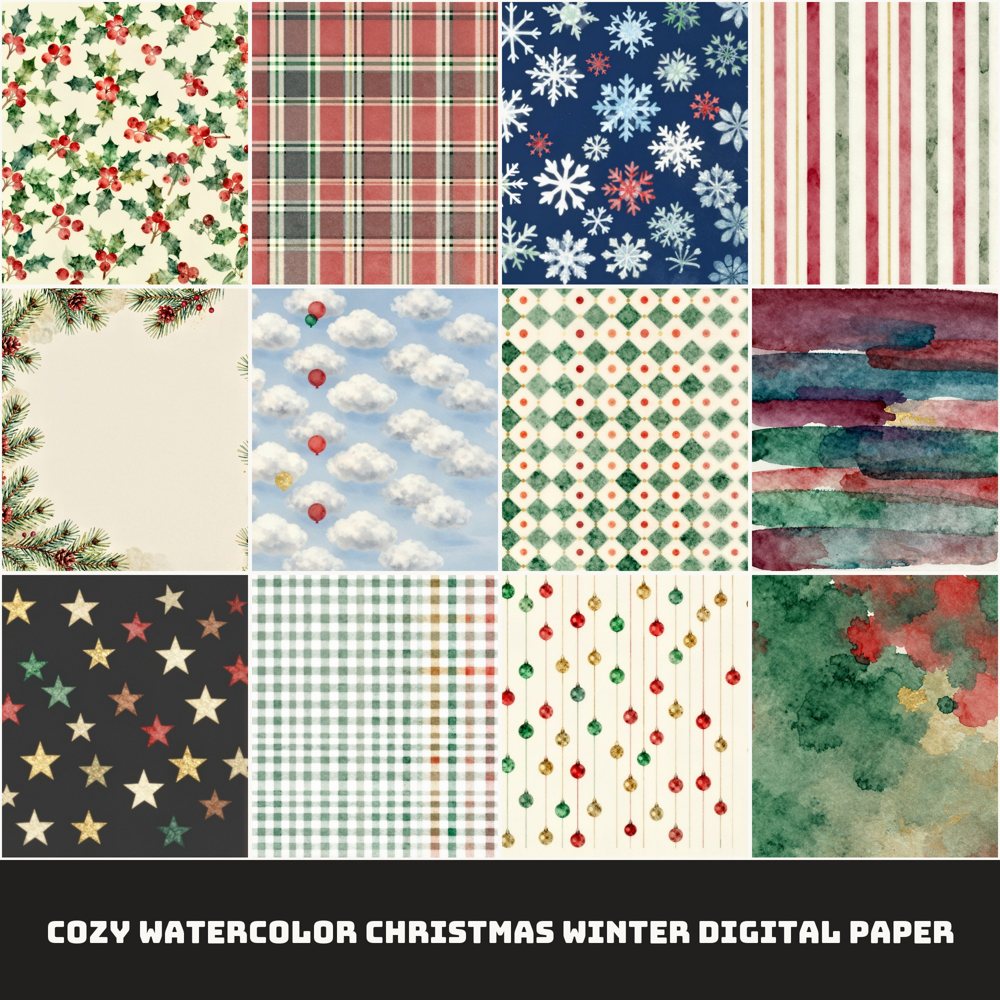
Cozy Watercolor Christmas Winter Digital Paper
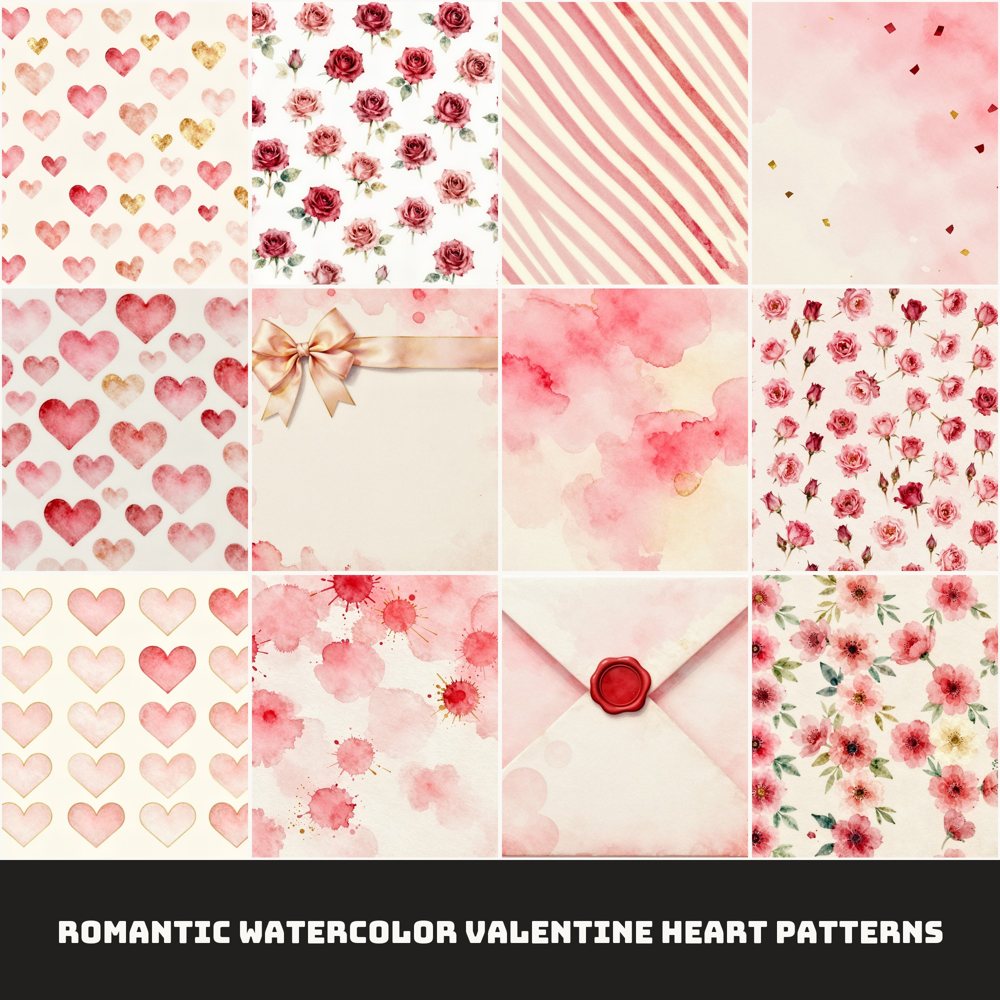
Romantic Watercolor Valentine Heart Patterns
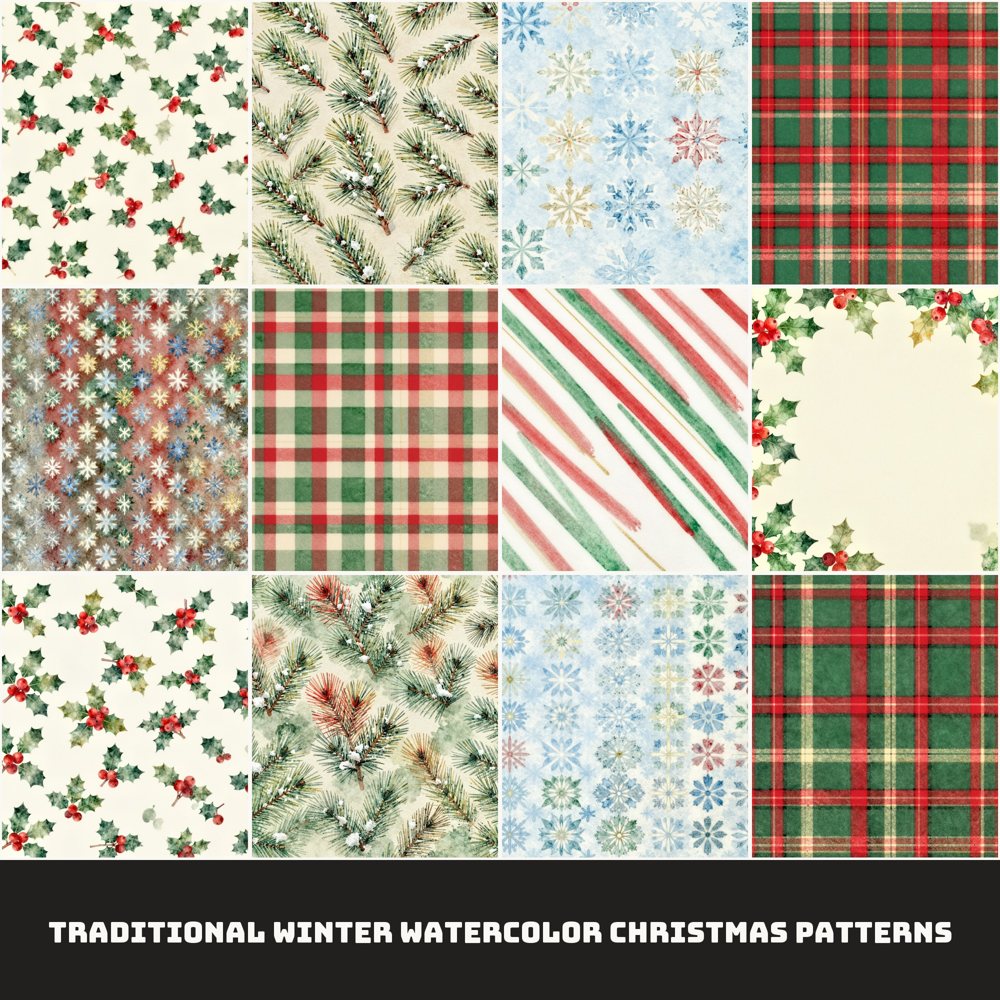
Traditional Winter Watercolor Christmas Patterns
Written with AI assistance and checked for accuracy and length before it was published.